
 Studio Login
 CRM Login
What is it?
A separate Studio application for real estate photo retouch, short camera motion and home tour video production.
 Estafy AI Studio
Upload the full property set in one batch; balance color, exposure and windows, correct lens distortion and verticals, then improve sharpness. Turn one frame into a short camera motion or six ordered frames into a flowing Home Tour.
Direct answer
Estafy AI Studio is a separate Studio application for batch correction of up to 25 property photos, controlled cleanup, short camera motions and Home Tours built from six ordered images.
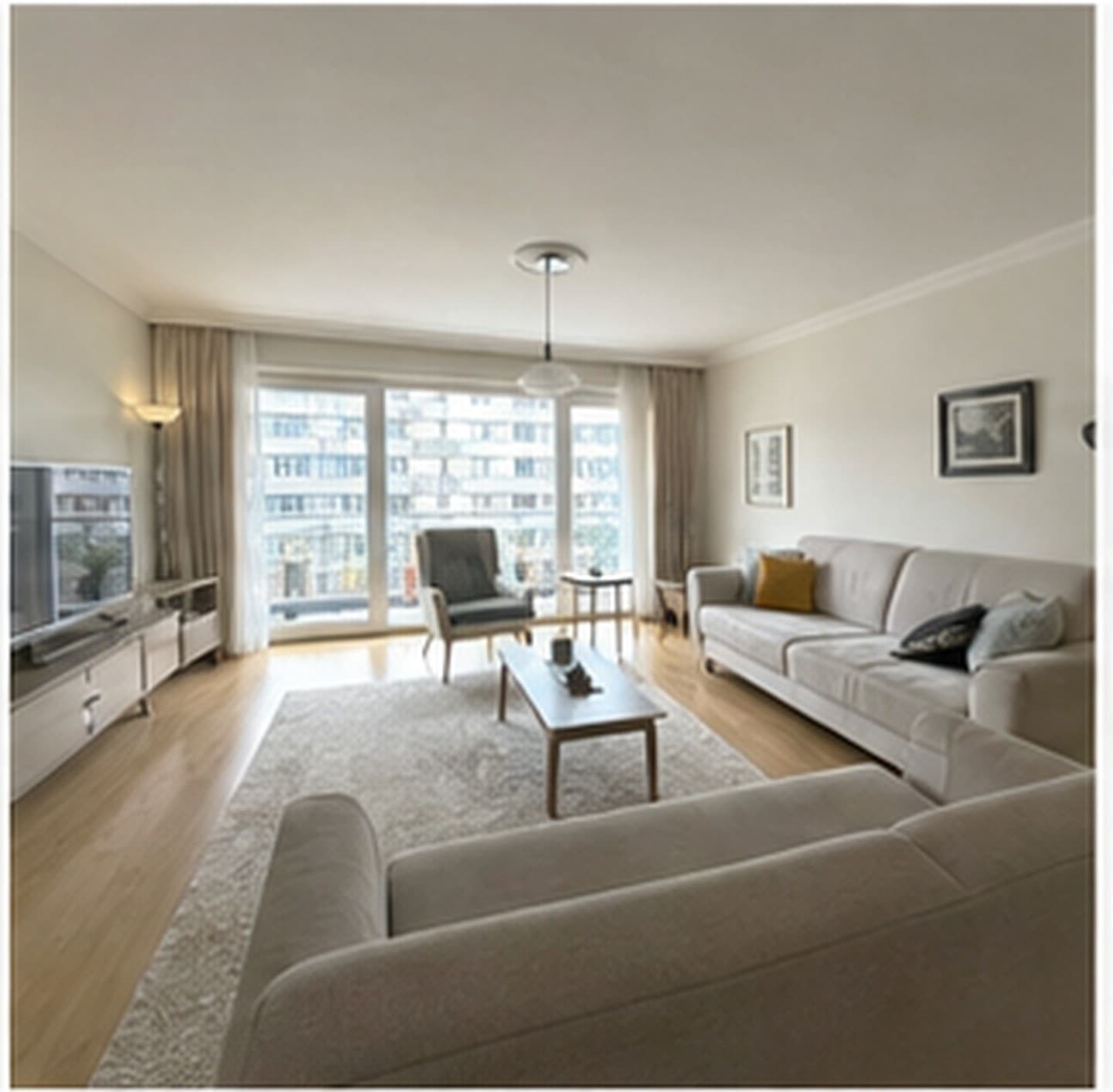 Before
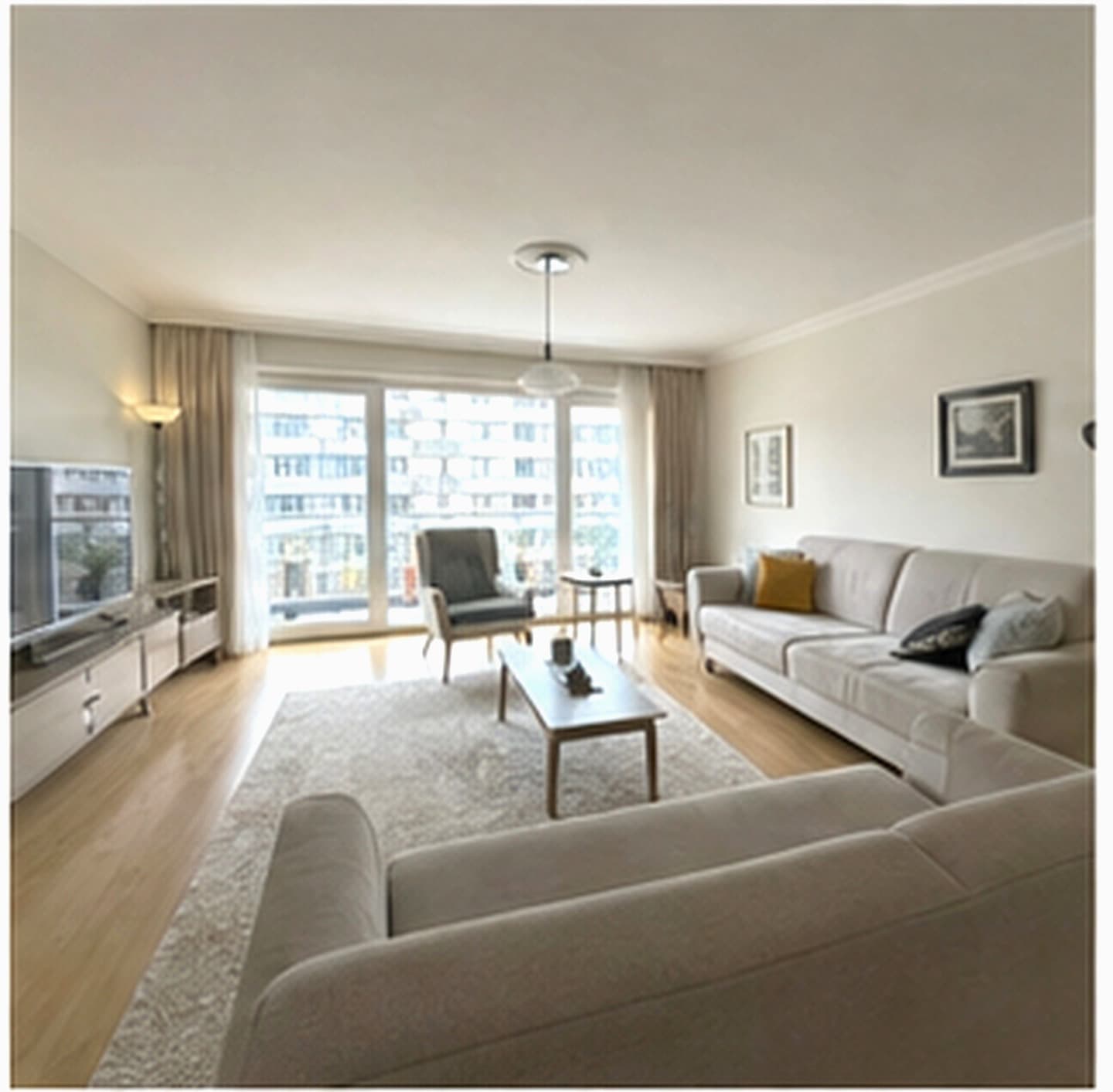 After
AfterPhoto
Retouch
Video
15/30 sn
Wallet
Credits
A separate Studio application for real estate photo retouch, short camera motion and home tour video production.
Real estate offices that want listing photos and short video assets managed in one production workflow.
Upload up to 25 photos in one batch, apply shared correction settings, then create a five-second camera motion or a Home Tour from six ordered images.
It starts with Basic trial access, followed by Solo, Pro and Office. Studio remains separate from the CRM license.
AI Studio uses a separate data area and credit wallet. CRM listing information moves only through permitted workflows.
Features
Public pages do not name providers or models. Estafy AI Studio explains output quality, credit usage and human review before publishing.
Light and color balance
Framing and perspective cleanup
Sharpness and detail improvement
Exposure, contrast and tone consistency
Consistent light and tone across one listing
Before/after comparison
Human review before publishing
Batch correction for up to 25 photos
Five-second short camera motions
Home Tours from six ordered images
720p and eligible 1080p options
Credit usage shown before production
Credit reservation returned on system or infrastructure failure
Retouch
The goal is not to make a property artificial. The goal is to improve light, readability and presentation consistency. Users compare the original and improved image side by side before publishing.
Video
Turn a selected listing frame into a reusable five-second motion, or order six images from the building entrance through the rooms to create a clear Home Tour.
Credit wallet
AI Studio is separate from CRM and uses a separate credit wallet. Credits can be used across photo and video production as needed. Successful productions consume credits; system or infrastructure failures return reserved credits.
FAQ
No. AI Studio is a separate product family, plan and credit wallet.
The retouch flow is designed to improve light, color, perspective, sharpness and consistency, not to make the property artificial.
Upload six images in order — building entrance, entry hall, living room and rooms — then review the storyboard and generate the tour.
Credits are consumed on successful production. If a system or infrastructure failure occurs, reserved credits are returned to the wallet.